| ✈️ Envíos Internacionales / Worldwide Shipping ✈️ |
By buying this product you can collect up to 4 points. Your cart will total 4 points that can be converted into a voucher of €0.12.
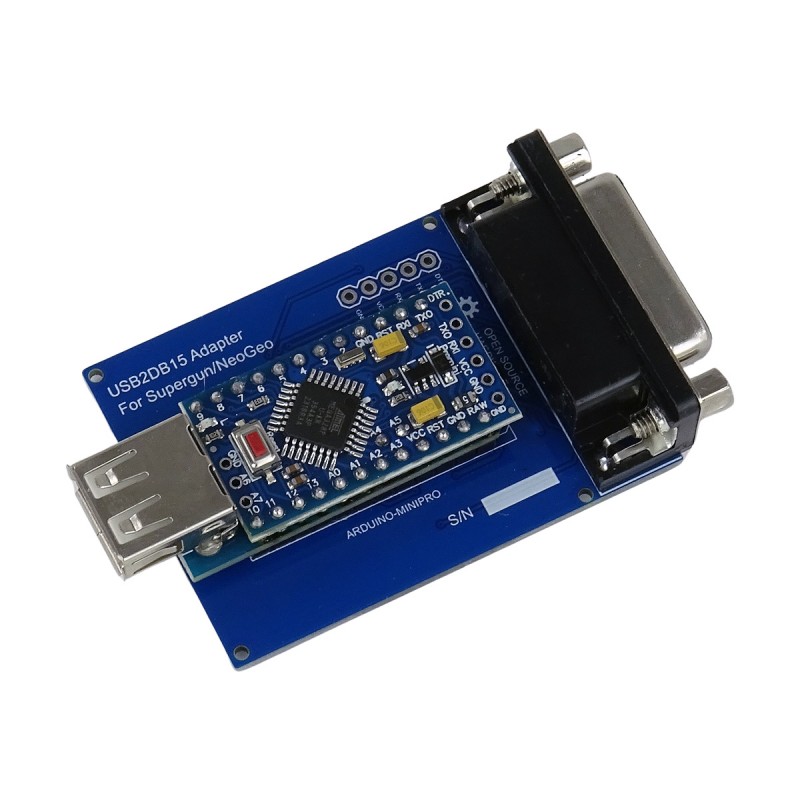
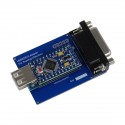
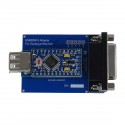
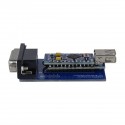
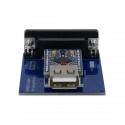
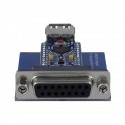
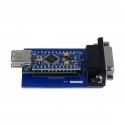
Universal USB to DB15 adapter compatible with Neo Geo AES, MVS, CBOX and Superguns, allowing you to connect modern USB controllers and fightsticks to classic arcade systems. Precise, stable and low latency.
 1 year warranty
 Shipments in 24h / 48h
 15 day return policy
LIST OF COMPATIBLE CONTROLLERS
The USB2DB15 is an open-source adapter designed to offer full compatibility between modern USB controllers (such as DualShock, DualSense, fightsticks or PC pads) and classic arcade systems with a DB15 interface, such as Neo Geo AES, MVS, CBOX, HAS or JAMMA Superguns.
Originally developed by Raphnet and Raphfriend, this adapter stands out for its ultra-fast performance (latency under 1 ms) and excellent compatibility with modern controllers, including DualShock 3/4, DualSense (PS5), Xbox One / Series controllers, 8BitDo, Mayflash, Retro-Bit, Brook, and many more.
The adapter translates USB HID signals to DB15 in real time, offering a gaming experience identical to the original hardware, with no intermediate converters or loss of precision. It's completely Plug & Play, requires no drivers, and can be powered directly from the DB15 port or via an auxiliary MicroUSB connector (5V DC).
In addition, the USB2DB15 project allows the firmware to be easily updated to improve compatibility and add new features, such as custom profiles or support for new controllers.
Its firmware, available on GitHub, is compatible with multiple button configurations and control modes (LS, DPAD, RS), and includes support for SOCD Cleaning modes, essential in competitive settings.
The adapter stores profiles for up to 10 controller models. Controllers of the same brand and model share the configuration, with 4 profiles per controller.
When connecting an eleventh model, the oldest profile will be replaced; with the twelfth, the next one, and so on.
To select a profile, press SELECT (COIN) + a direction:
The adapter will remember the last profile used.
To remap buttons, select the profile, hold SELECT for 3 seconds and press buttons 1–6 in the desired order. Release SELECT to save.
IMPORTANT NOTICE: This update is not a "plug and update" process via an installer program, as is common with other USB devices. The USB2DB15 uses an AVR microcontroller (Atmega328P, found on boards such as Arduino Uno, Nano or Pro Mini) that must be programmed directly using the Arduino IDE environment. Basic knowledge of Arduino and its programming environment is required to complete this process correctly.
IMPORTANT: If your unit uses an Arduino Pro Mini with a Mini USB Host Shield, uploading the firmware requires an external FTDI programmer (a USB cable alone is not enough) and additional steps. See the specific instructions in FLASHING.md: https://github.com/Raphfriend/USB2DB15/blob/master/FLASHING.md
If your unit uses an Arduino Uno with a full USB Host Shield, select "AVRISP MKII" under Tools -> Programmer before uploading the firmware.
Without the USB Host Shield 2.0 library correctly installed, the firmware compilation will fail.

Universal USB to DB15 adapter compatible with Neo Geo AES, MVS, CBOX and Superguns, allowing you to connect modern USB controllers and fightsticks to classic arcade systems. Precise, stable and low latency.