| ✈️ Envíos Internacionales / Worldwide Shipping ✈️ |
By buying this product you can collect up to 2 points. Your cart will total 2 points that can be converted into a voucher of €0.06.
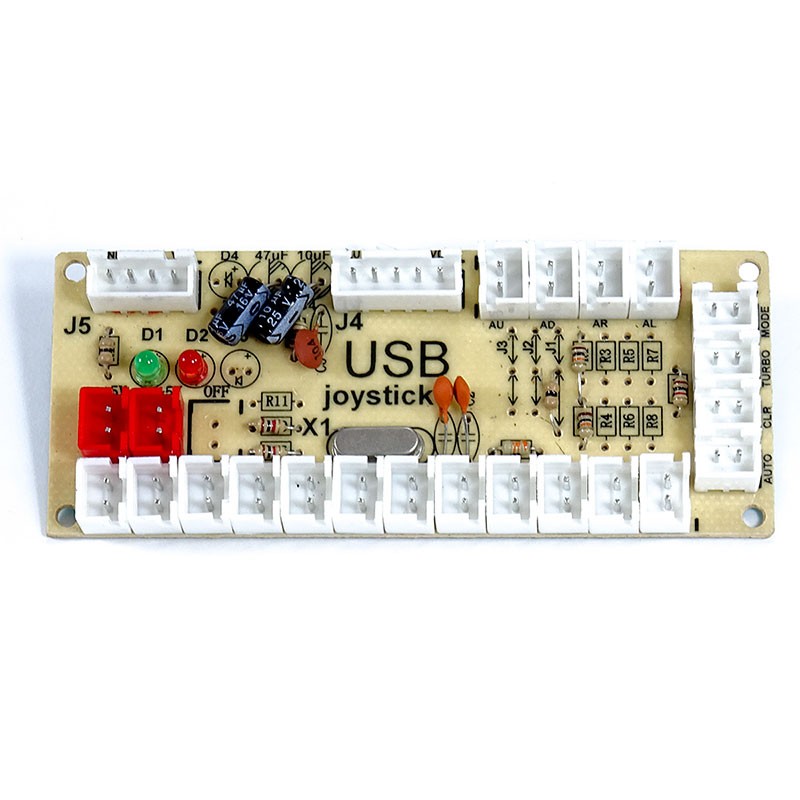
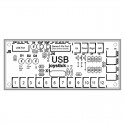
Zero Delay encoder for 1 player arcade joystick and buttons. This is the 2 x 5V pins version of the Zero Delay for illuminating LED compatible joysticks and buttons. This encoder is compatible with PC, Raspberry 1, 2, 3, 4, Android and PS3.
 1 year warranty
 Shipments in 24h / 48h
 15 day return policy
Arcadexpress brings you the well-known Zero Delay interface with a small upgrade, now featuring 2 5V+ connectors for LED buttons and joysticks. With this version of the famous Zero Delay encoder, wiring up all the buttons and illuminated joysticks on your Arcade Machine has never been easier.
This is one of our best-selling and highest-rated interfaces among our customers, thanks to its excellent value for money. If you want to connect your Arcade, Bartop or Fightstick controls to a PC, Raspberry Pi or Android device, this is one of the best options on the Arcade market.
This excellent interface has a LAG of around 14.9ms, meaning imperceptible LAG for the user. Connecting the Zero Delay encoder to your Arcade controls and playing your favorite retro games without feeling any LAG when executing your characters' movements is a true joy.
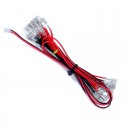
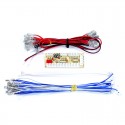
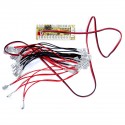
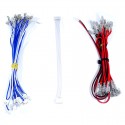
The interface has 12 action buttons, 4 direction buttons and a 4-pin connector for Sanwa / Seimitsu style joysticks. It also has a turbo mode and autofire, which comes in perfect for Shoot 'Em Up games like Gradius, DoDonPachi, 1943, Aerofighters, etc. What's new with this version of the Zero Delay board is that it also comes with 2 5V+ connectors as well as all the necessary LED wiring to connect illuminated buttons and joysticks.
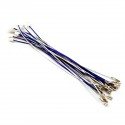
The Zero Delay LED is extremely easy to install and set up. Just connect your arcade joystick and buttons to the included cable set, then connect those to the interface. The interface connects via its USB cable directly to a PC, Raspberry Pi 1, 2, 3, 4 or PS3, which will detect it as a joystick with no need to install drivers on any of these platforms.
Important notice: This interface does not include a dedicated PS (Home) button. This means:
Recommended for use alongside an original controller, not as a complete replacement for it on PS3 consoles.

Zero Delay encoder for 1 player arcade joystick and buttons. This is the 2 x 5V pins version of the Zero Delay for illuminating LED compatible joysticks and buttons. This encoder is compatible with PC, Raspberry 1, 2, 3, 4, Android and PS3.